
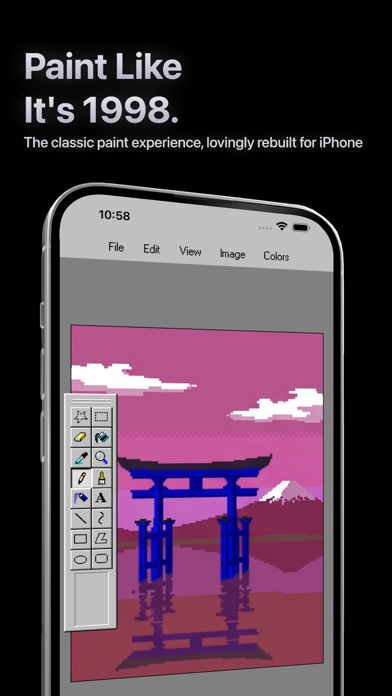
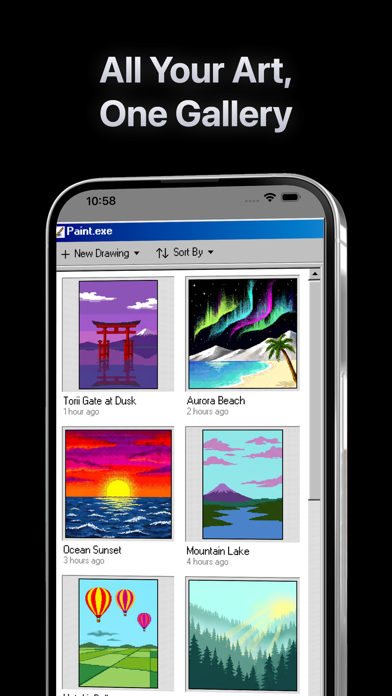
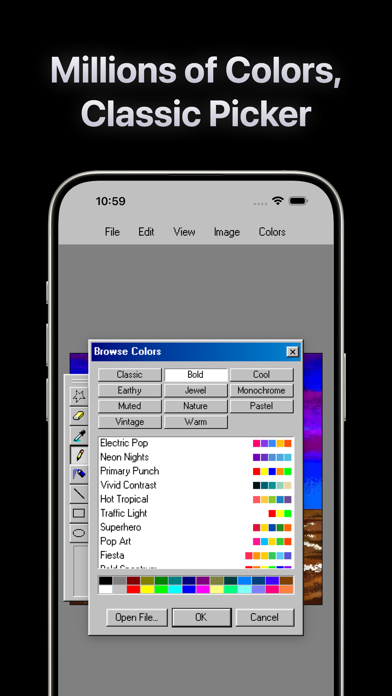
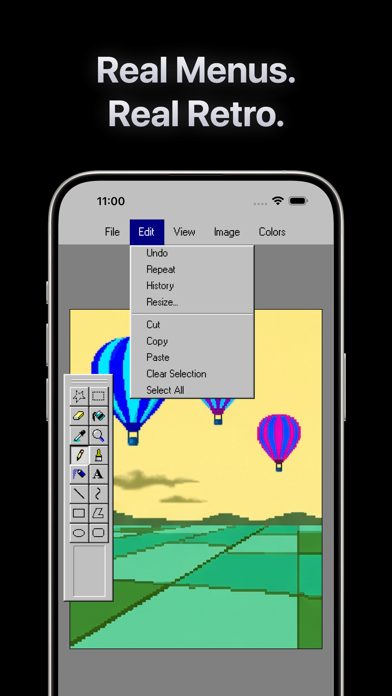
Paint.exe recreates the feel of a 1990s desktop paint program for iPhone and iPad. It includes pencil, brush, airbrush, fill, eraser, shapes, lines, curves, and text tools, with 33 visual themes and an optional CRT effect for a retro look. Drawings autosave locally, and users can import or export PNG, JPG, BMP, and PDF files. The app works offline, requires no account, and its Apple privacy label says data is not collected. Paint.exe is listed as completely free with no in-app purchases. It requires iOS 17 or later. This is a playful raster drawing tool for sketches, pixel-style experiments, and nostalgic creation; it does not replace a layered illustration or professional design suite, and exported images may need another app for advanced editing.

Paint.exe - Retro Paint
A completely free retro painting app with classic drawing tools, local saves, and offline use.
Overview
A closer look at Paint.exe - Retro Paint.
A closer look
App screenshots
Choose with confidence
The useful details.
What it does
- Draw with pencil, brush, airbrush, fill, eraser, shapes, lines, curves, and text.
- Choose from 33 themes and enable a CRT display effect.
- Autosave locally and import or export PNG, JPG, BMP, and PDF.
- Create offline without an account or in-app purchases.
A good fit for
- People who want a free, nostalgic drawing pad for casual sketches and pixel-style art.
Worth knowing
- It is a retro raster paint app rather than a layered illustration or professional design tool. Requires iOS 17 or later.
Frequently asked questions
Answers based on the app’s official listing and reviewed information.
What is Paint.exe - Retro Paint used for?
A completely free retro painting app with classic drawing tools, local saves, and offline use.
What can you do with Paint.exe - Retro Paint?
Draw with pencil, brush, airbrush, fill, eraser, shapes, lines, curves, and text. Choose from 33 themes and enable a CRT display effect. Autosave locally and import or export PNG, JPG, BMP, and PDF. Create offline without an account or in-app purchases.
Who is Paint.exe - Retro Paint designed for?
People who want a free, nostalgic drawing pad for casual sketches and pixel-style art.
What should you know before downloading Paint.exe - Retro Paint?
It is a retro raster paint app rather than a layered illustration or professional design tool. Requires iOS 17 or later.
Does Paint.exe - Retro Paint include paid features?
The reviewed listing reports no in-app purchases.
Which platforms support Paint.exe - Retro Paint?
Greatooly's reviewed app information lists iOS.
Researched from official sources; this is not a hands-on review. Last checked 2026-11-04.
Keep exploring
More apps that might be a good fit.

Verde: AI Backyard Design Plan
Verde turns photos of gardens, balconies, and rooms into AI redesigns that account for existing structures and practical dimensions.

RoomMakeover: AI Room Design
RoomMakeover previews AI interior-design ideas from room photos, with style controls, credit packs, and Pro plans.

Zu3D
Zu3D combines stop-motion capture, drawing, video editing, green-screen effects, sound, and export tools for animated films.