
PDF Converter - Word to PDF is an iPhone app in the document conversion category. Apple’s U.S. listing introduces it with the short description “Convert your documents from and to PDF in a 3 steps! 1. Select your…” The app’s workflow centers on converting files and documents between supported formats, with tools such as choose a source document or file. and convert between formats supported by the app. Review output settings or preview the converted file. Save or share a new copy of the result. It may suit people converting documents on iphone or ipad. Users who need to change a file format before sharing or submitting it. Conversion fidelity depends on source files and supported formats; inspect output for layout or font changes before sharing or submitting it. The listing currently shows the download as Free; the public lookup does not confirm whether every feature is included or which upgrades may be available. Check in-app purchase and renewal details before subscribing. The App Store page lists iOS 15.0+ compatibility. This summary reflects Apple’s U.S. listing checked on 2026-11-19; pricing, availability, privacy terms, supported devices, and features can change. Review current terms before uploading personal data or relying on a particular export or integration.
PDF Converter - Word to PDF
PDF Converter - Word to PDF is an iPhone app for document conversion. It is presented as a tool for converting files and documents between supported formats.
Overview
A closer look at PDF Converter - Word to PDF.
A closer look
App screenshots
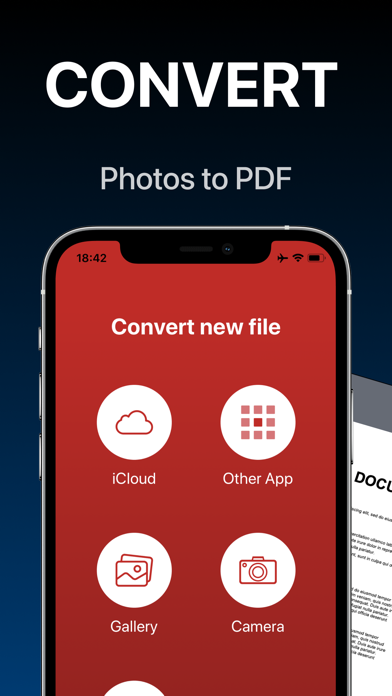
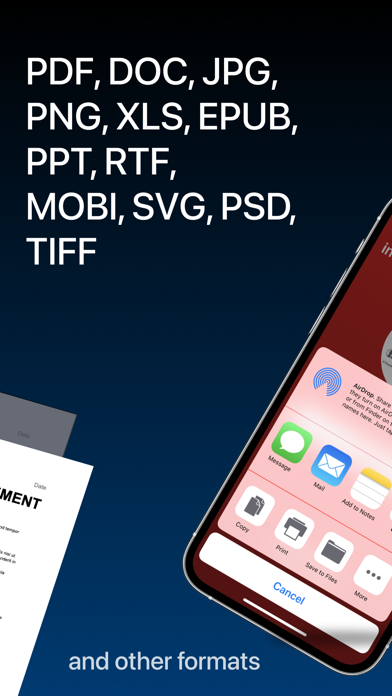
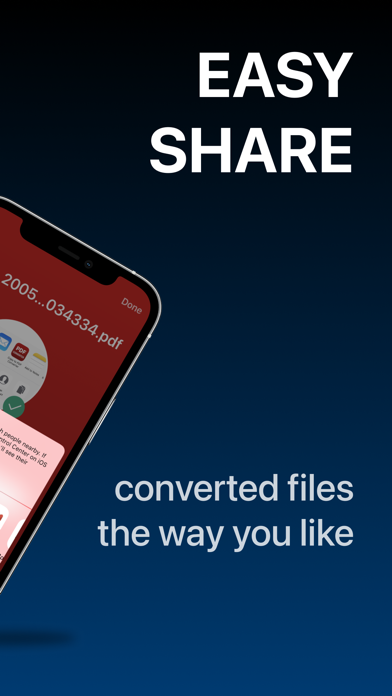
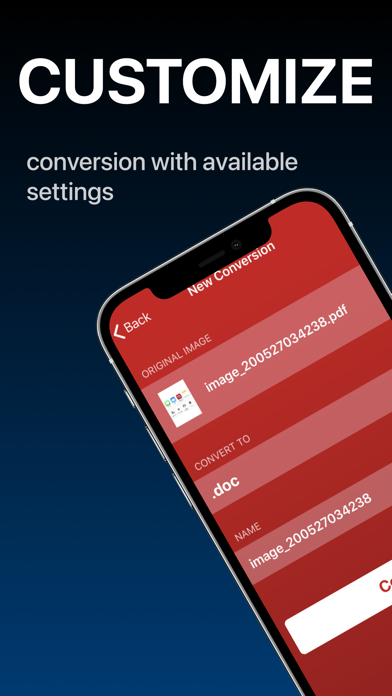
Choose with confidence
The useful details.
What it does
- Choose a source document or file.
- Convert between formats supported by the app.
- Review output settings or preview the converted file.
- Save or share a new copy of the result.
A good fit for
- People converting documents on iPhone or iPad.
- Users who need to change a file format before sharing or submitting it.
Worth knowing
- Conversion fidelity depends on source files and supported formats; inspect output for layout or font changes before sharing or submitting it.
- Review current listing and developer privacy or purchase terms before use.
Frequently asked questions
Answers based on the app’s official listing and reviewed information.
What is PDF Converter - Word to PDF used for?
PDF Converter - Word to PDF is an iPhone app for document conversion. It is presented as a tool for converting files and documents between supported formats.
What can you do with PDF Converter - Word to PDF?
Choose a source document or file. Convert between formats supported by the app. Review output settings or preview the converted file. Save or share a new copy of the result.
Who is PDF Converter - Word to PDF designed for?
People converting documents on iPhone or iPad. Users who need to change a file format before sharing or submitting it.
What should you know before downloading PDF Converter - Word to PDF?
Conversion fidelity depends on source files and supported formats; inspect output for layout or font changes before sharing or submitting it. Review current listing and developer privacy or purchase terms before use.
What does PDF Converter - Word to PDF cost?
Free to download. Free to download according to the current U.S. App Store listing (Free); optional purchase and subscription terms should be verified in the store.
Which platforms support PDF Converter - Word to PDF?
Greatooly's reviewed app information lists iOS.
Researched from official sources; this is not a hands-on review. Last checked 2026-11-19.
Keep exploring
More apps that might be a good fit.
The Document Converter
The Document Converter is an iPhone app for document conversion. It is presented as a tool for converting files and documents between supported formats.
EBook Converter & Reader App
Convert documents and images into eBooks, read or listen in one library, and manage imported files on iPhone.
Calibre ebook reader - Pageo
Read ebooks on iPhone or iPad, sync with a Calibre library, convert formats to EPUB, and use offline text-to-speech.