
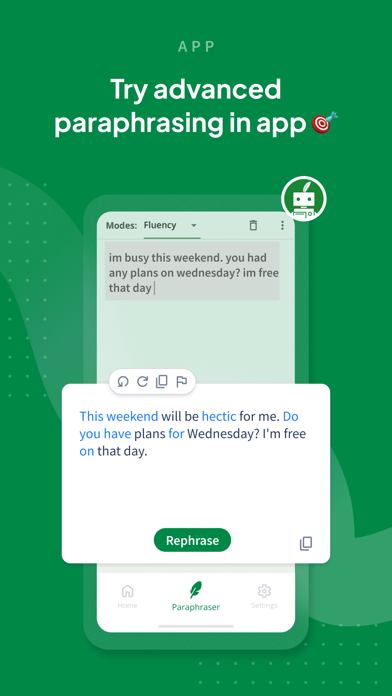
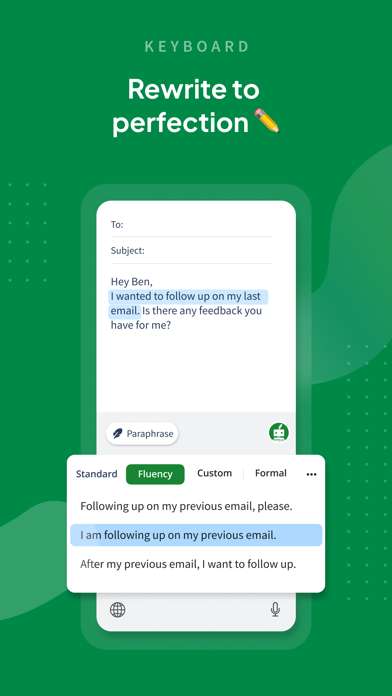
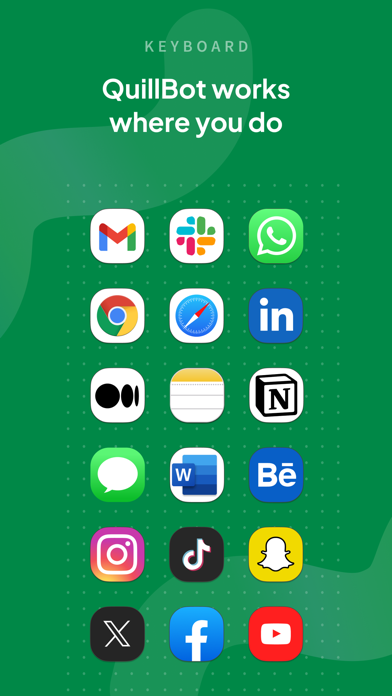
QuillBot's iOS app combines a text editor with an AI keyboard for paraphrasing, grammar checks, translation, and drafting help. The listing describes two free paraphrasing modes, with additional modes and faster processing in Premium, plus tools for generating ideas and editing text in other supported apps. Users can save documents locally and return to them later. Premium access is paid, and current price and renewal terms should be checked before subscribing. A keyboard extension may handle private messages or workplace text, so review its permissions and the privacy policy before enabling it. AI rewriting can change meaning or produce inaccurate claims; read every edit before sending or submitting it and follow school or employer rules for AI-assisted writing.

Quillbot-AI Writing & Keyboard
Rewrite and proofread text, check grammar, translate, and use an AI keyboard across supported apps.
Overview
A closer look at Quillbot-AI Writing & Keyboard.
A closer look
App screenshots
Choose with confidence
The useful details.
What it does
- Paraphrase text with free and Premium modes.
- Check grammar, spelling, and punctuation.
- Translate or draft text through the AI keyboard.
- Save documents locally and continue editing later.
A good fit for
- People who want writing and paraphrasing tools on a mobile device.
Worth knowing
- Premium unlocks more modes and faster processing; check current plan terms.
- Review keyboard permissions and verify AI-generated edits before sharing.
Frequently asked questions
Answers based on the app’s official listing and reviewed information.
What is Quillbot-AI Writing & Keyboard used for?
Rewrite and proofread text, check grammar, translate, and use an AI keyboard across supported apps.
What can you do with Quillbot-AI Writing & Keyboard?
Paraphrase text with free and Premium modes. Check grammar, spelling, and punctuation. Translate or draft text through the AI keyboard. Save documents locally and continue editing later.
Who is Quillbot-AI Writing & Keyboard designed for?
People who want writing and paraphrasing tools on a mobile device.
What should you know before downloading Quillbot-AI Writing & Keyboard?
Premium unlocks more modes and faster processing; check current plan terms. Review keyboard permissions and verify AI-generated edits before sharing.
Does Quillbot-AI Writing & Keyboard include paid features?
Premium unlocks additional paraphrasing modes and other features. Current price and renewal terms are shown in the app.
Which platforms support Quillbot-AI Writing & Keyboard?
Greatooly's reviewed app information lists iOS.
Researched from official sources; this is not a hands-on review. Last checked 2026-11-03.
Keep exploring
More apps that might be a good fit.

Verde: AI Backyard Design Plan
Verde turns photos of gardens, balconies, and rooms into AI redesigns that account for existing structures and practical dimensions.

RoomMakeover: AI Room Design
RoomMakeover previews AI interior-design ideas from room photos, with style controls, credit packs, and Pro plans.

Zu3D
Zu3D combines stop-motion capture, drawing, video editing, green-screen effects, sound, and export tools for animated films.