
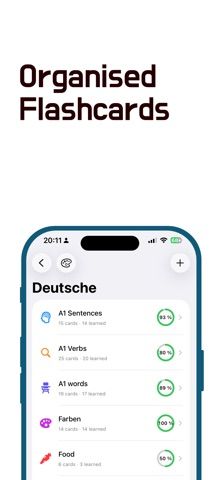
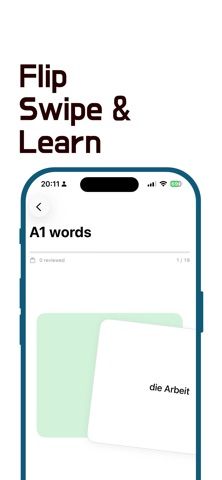
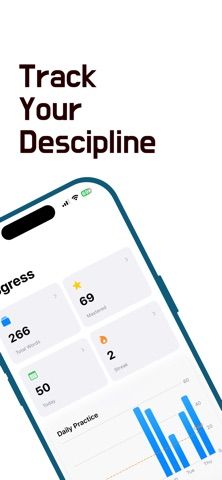
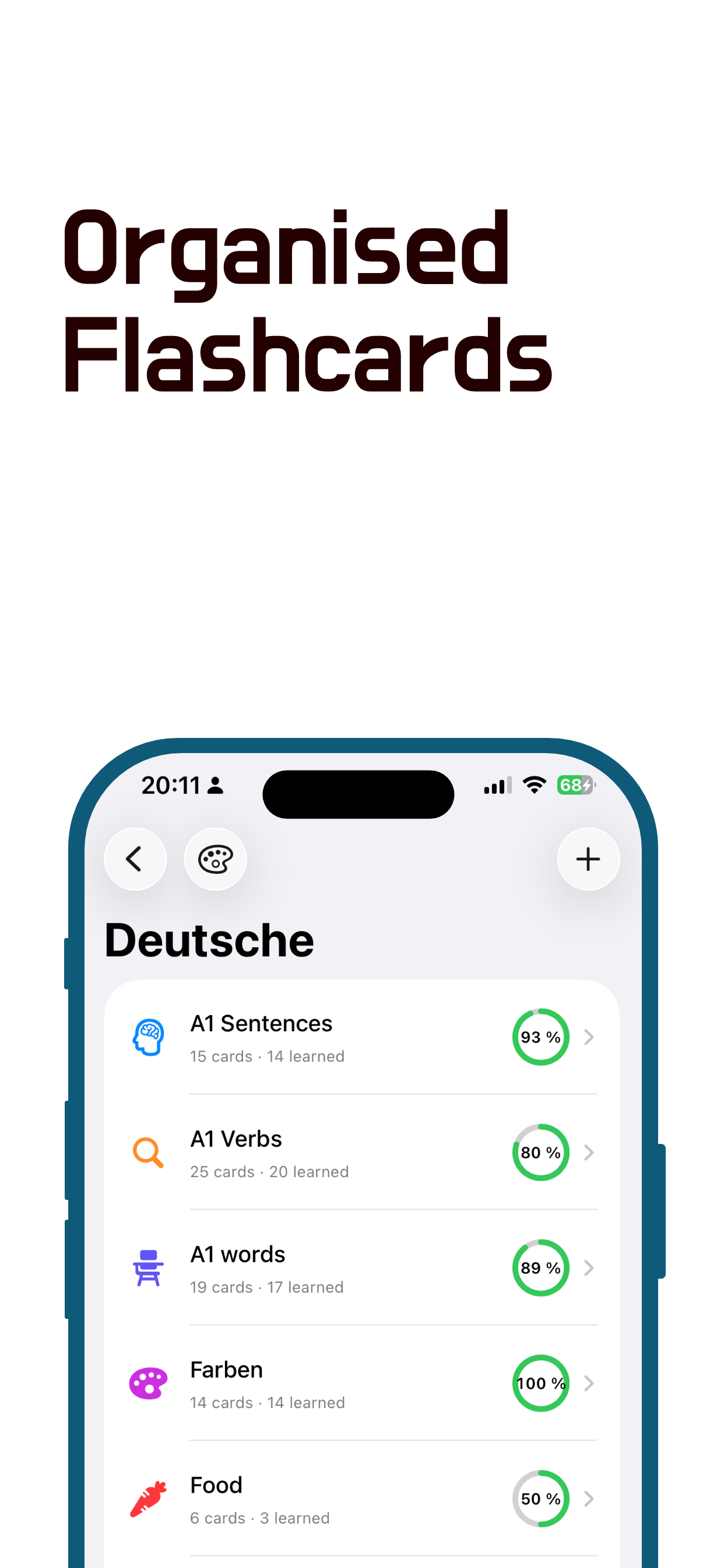
QuizzyCards is a compact flashcard tool for vocabulary, exam preparation, and other material a learner wants to memorize. Users can create folders and decks, customize icons and colors, and import cards from CSV. During a study session, cards can be shuffled, filtered to new or unmastered items, reversed, or limited to a chosen count. Progress screens show total words, mastered cards, the day's activity, and a 14-day chart. Daily goals and gentle reminders support a routine, while iCloud sync keeps decks available across a user's Apple devices. The app is listed as a free download, but its description does not specify optional purchase terms or whether CSV import has format limits. It focuses on flashcards and review, not AI-generated tutoring or a full learning-management system.
QuizzyCards
A minimal flashcard app with custom decks, CSV import, study streaks, iCloud sync, and progress charts.
Overview
A closer look at QuizzyCards.
A closer look
App screenshots
Choose with confidence
The useful details.
What it does
- Create folders and decks with customized icons and colors
- Import flashcards from CSV and study in either direction
- Filter, shuffle, or limit cards for a review session
- Track goals and streaks with charts and iCloud sync
A good fit for
- Learners memorizing vocabulary, definitions, or exam facts
- People who want a simple flashcard workflow synchronized across Apple devices
Worth knowing
- The listing does not explain optional purchase terms, CSV formatting requirements, or how iCloud sync handles conflicts.
Frequently asked questions
Answers based on the app’s official listing and reviewed information.
What is QuizzyCards used for?
A minimal flashcard app with custom decks, CSV import, study streaks, iCloud sync, and progress charts.
What can you do with QuizzyCards?
Create folders and decks with customized icons and colors Import flashcards from CSV and study in either direction Filter, shuffle, or limit cards for a review session Track goals and streaks with charts and iCloud sync
Who is QuizzyCards designed for?
Learners memorizing vocabulary, definitions, or exam facts People who want a simple flashcard workflow synchronized across Apple devices
What should you know before downloading QuizzyCards?
The listing does not explain optional purchase terms, CSV formatting requirements, or how iCloud sync handles conflicts.
Does QuizzyCards include paid features?
The US App Store lists a free download.
Which platforms support QuizzyCards?
Greatooly's reviewed app information lists iOS.
Researched from official sources; this is not a hands-on review. Last checked 2026-11-04.
Keep exploring
More apps that might be a good fit.

Garden Planner: Landscape AI
Garden Planner: Landscape AI redesigns a yard or patio photo in 24 styles, with before-and-after comparison and private local designs.

Homefolio: Home Inventory
Homefolio records household belongings, values, receipts, serial numbers, and warranties, then exports a claim-ready inventory report.

Reading Log: Nightly Minutes
Reading Log: Nightly Minutes tracks children’s reading minutes or pages, streaks, and weekly summaries for school logs.