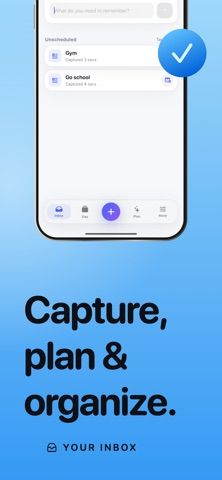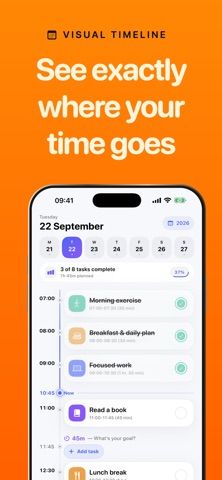
Daily Planner: Tasks, described in its listing as Visual Planner, organizes tasks and calendar events in a timeline with start times and durations. Users can drag tasks to reschedule them, spot conflicts, keep unscheduled ideas in an inbox, and group priorities with colors, icons, and notes. Recurring routines can be set by day, week, month, or selected dates, and unfinished work can be moved when plans change. On supported devices, Apple Intelligence can draft a plan from natural language on device; otherwise a local parser is used. The app can show selected Apple Calendar events, sync plans through iCloud, and add widgets, Live Activities, Siri shortcuts, and Apple Watch views. An active Pro subscription or eligible free trial is required to access the planner after onboarding. Monthly and yearly plans include the listed tools; trial length and renewal price are shown before subscribing.