
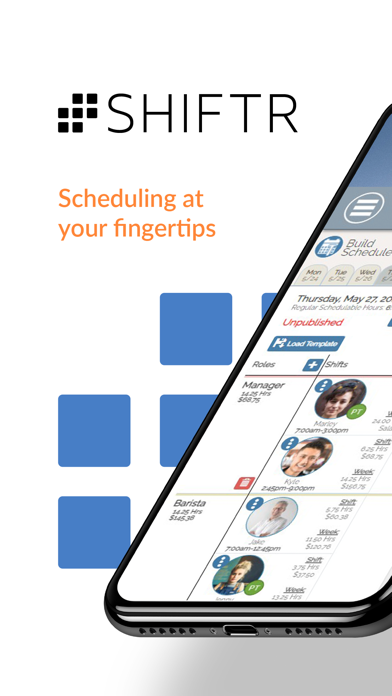
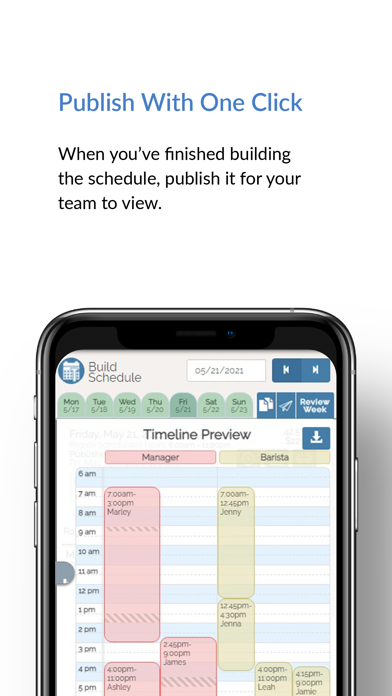
SHIFTR is a workforce scheduling service for organizations that need to publish shifts and coordinate employee availability. Managers can create recurring schedules, check coverage conflicts, track time, and review labor reports. Team members can view schedules, submit time-off requests, trade shifts, and receive schedule notifications. The listing says teams can start scheduling for free, but the app is built around a configured workplace account rather than a personal calendar. Confirm the service's current plan limits, time-clock setup, and payroll export requirements before adopting it. Employers control schedules, approvals, and access for their staff.

SHIFTR Employee Scheduling
Create employee schedules, track attendance, handle availability and time-off requests, and manage shift swaps through SHIFTR.
By SpecsoftApp Store rating 4.7 (755)Official store informationPublished 2026/11/03Checked 2026-11-03
Overview
A closer look at SHIFTR Employee Scheduling.
A closer look
App screenshots
Choose with confidence
The useful details.
What it does
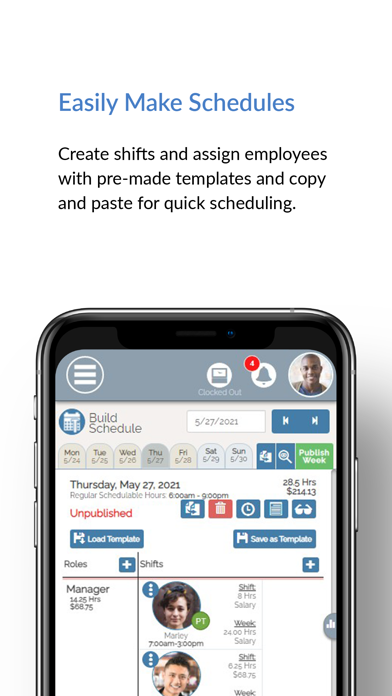
- Build recurring employee schedules and reuse schedule templates.
- Collect availability and time-off requests from staff.
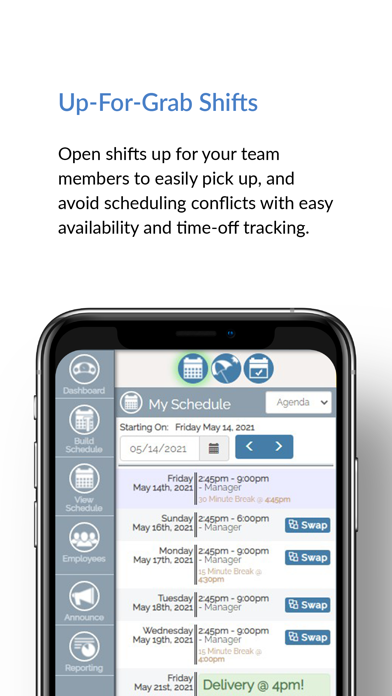
- Coordinate shift swaps and open shifts with configurable approvals.
- Track attendance and review labor or time reports.
A good fit for
- Small teams and managers looking for a shared staff scheduling system.
Worth knowing
- A workplace account and team setup are needed; it is not a personal shift calendar.
- Time-clock features may require an employer-configured kiosk or permissions.
- Verify plan limits, payroll export compatibility, and current paid options before rollout.
Frequently asked questions
Answers based on the app’s official listing and reviewed information.
What is SHIFTR Employee Scheduling used for?
Create employee schedules, track attendance, handle availability and time-off requests, and manage shift swaps through SHIFTR.
What can you do with SHIFTR Employee Scheduling?
Build recurring employee schedules and reuse schedule templates. Collect availability and time-off requests from staff. Coordinate shift swaps and open shifts with configurable approvals. Track attendance and review labor or time reports.
Who is SHIFTR Employee Scheduling designed for?
Small teams and managers looking for a shared staff scheduling system.
What should you know before downloading SHIFTR Employee Scheduling?
A workplace account and team setup are needed; it is not a personal shift calendar. Time-clock features may require an employer-configured kiosk or permissions. Verify plan limits, payroll export compatibility, and current paid options before rollout.
Does SHIFTR Employee Scheduling include paid features?
The reviewed listing does not confirm current in-app purchase options.
Which platforms support SHIFTR Employee Scheduling?
Greatooly's reviewed app information lists iOS.
Researched from official sources; this is not a hands-on review. Last checked 2026-11-03.
Keep exploring
More apps that might be a good fit.

Steadwell: Home Maintenance
Steadwell keeps a private home record of appliances, repairs, paint, and maintenance suggestions, with offline access and optional iCloud sync.

Sanjog: Sikh Wedding Planner
Sanjog plans Sikh wedding ceremonies together with shared guest RSVPs, budgets, checklists, schedules, vendors, and guest-ready PDFs.

VowFolio: Wedding Planner
VowFolio Planner organizes a couple’s guest list, seating chart, budget, checklist, vendors, wedding website, and guest photos.