
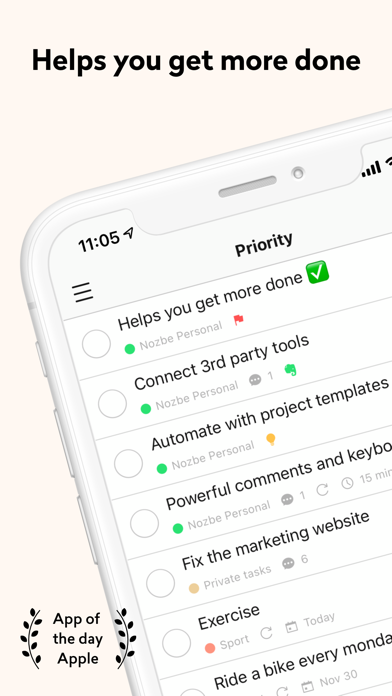
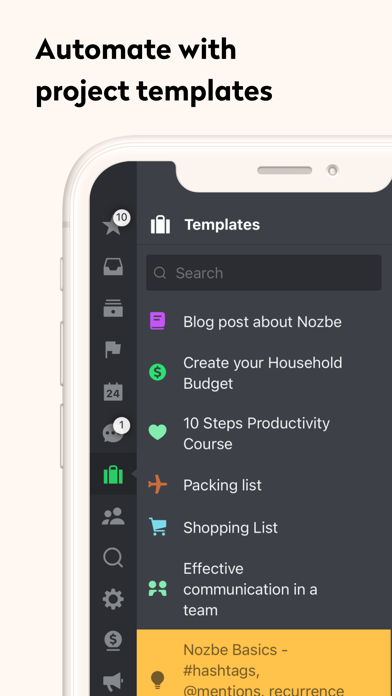
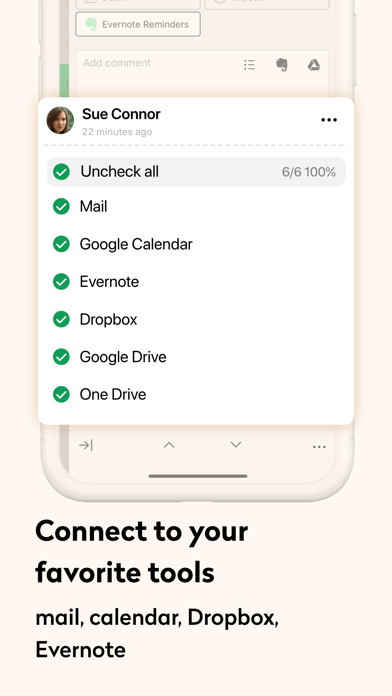
Nozbe Classic is a task and project manager for individuals and teams. Add tasks by hand or through supported integrations, set deadlines and priorities, and keep comments and files with a project. The listing also describes reminders, calendar integrations, recurring tasks, templates, offline use, and Apple Watch access. After a 30-day trial, the free single-user plan is described as limited to three active projects and 100 MB; paid plans add unlimited projects, storage, and team features. Confirm current plan terms before moving a shared workflow. Offline changes may sync later, so check that updates have reached collaborators before relying on them for time-sensitive work.

Nozbe Classic
Manage projects and tasks with priorities, deadlines, reminders, repeat schedules, labels, comments, and offline access.
By Nozbe.comApp Store rating 4.7 (533)Official store informationPublished 2026/11/03Checked 2026-11-03
Overview
A closer look at Nozbe Classic.
A closer look
App screenshots
Choose with confidence
The useful details.
What it does
- Create tasks and group them into projects.
- Set deadlines, priorities, reminders, labels, and recurring schedules.
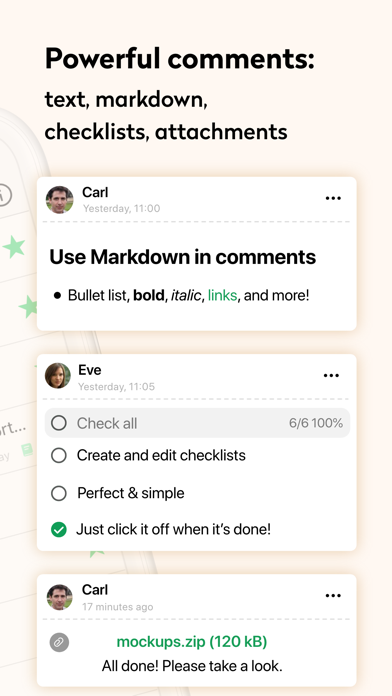
- Keep comments and files with project tasks.
- Work offline and sync updates when back online.
A good fit for
- Individuals or teams who want project tasks, recurring reminders, and shared work in one app.
Worth knowing
- The free single-user plan is described as limited to three active projects and 100 MB after a 30-day trial.
- Team sharing and expanded storage require a paid plan; check current plan availability and price.
- Confirm offline updates have synced before treating shared task status as current.
Frequently asked questions
Answers based on the app’s official listing and reviewed information.
What is Nozbe Classic used for?
Manage projects and tasks with priorities, deadlines, reminders, repeat schedules, labels, comments, and offline access.
What can you do with Nozbe Classic?
Create tasks and group them into projects. Set deadlines, priorities, reminders, labels, and recurring schedules. Keep comments and files with project tasks. Work offline and sync updates when back online.
Who is Nozbe Classic designed for?
Individuals or teams who want project tasks, recurring reminders, and shared work in one app.
What should you know before downloading Nozbe Classic?
The free single-user plan is described as limited to three active projects and 100 MB after a 30-day trial. Team sharing and expanded storage require a paid plan; check current plan availability and price. Confirm offline updates have synced before treating shared task status as current.
Does Nozbe Classic include paid features?
The listing describes monthly or yearly plans; after a 30-day trial, a limited single-user free plan is available. Verify current prices and renewal terms.
Which platforms support Nozbe Classic?
Greatooly's reviewed app information lists iOS.
Researched from official sources; this is not a hands-on review. Last checked 2026-11-03.
Keep exploring
More apps that might be a good fit.

Ahenora: Family Organizer
Ahenora brings family tasks, a shared calendar, meals, shopping lists, children's chores, and household documents together.

Bible Study Planner
Bible Study Planner organizes reading plans, chapter notes, study materials, reminders, and reading progress on Apple devices.

Tidify: Declutter & Clean Home
Tidify turns a room photo into an AI-generated decluttering plan with timed tasks, reminders, and recurring tidy routines.